Managing Variant Image Logic at Scale in Shopify Catalogs
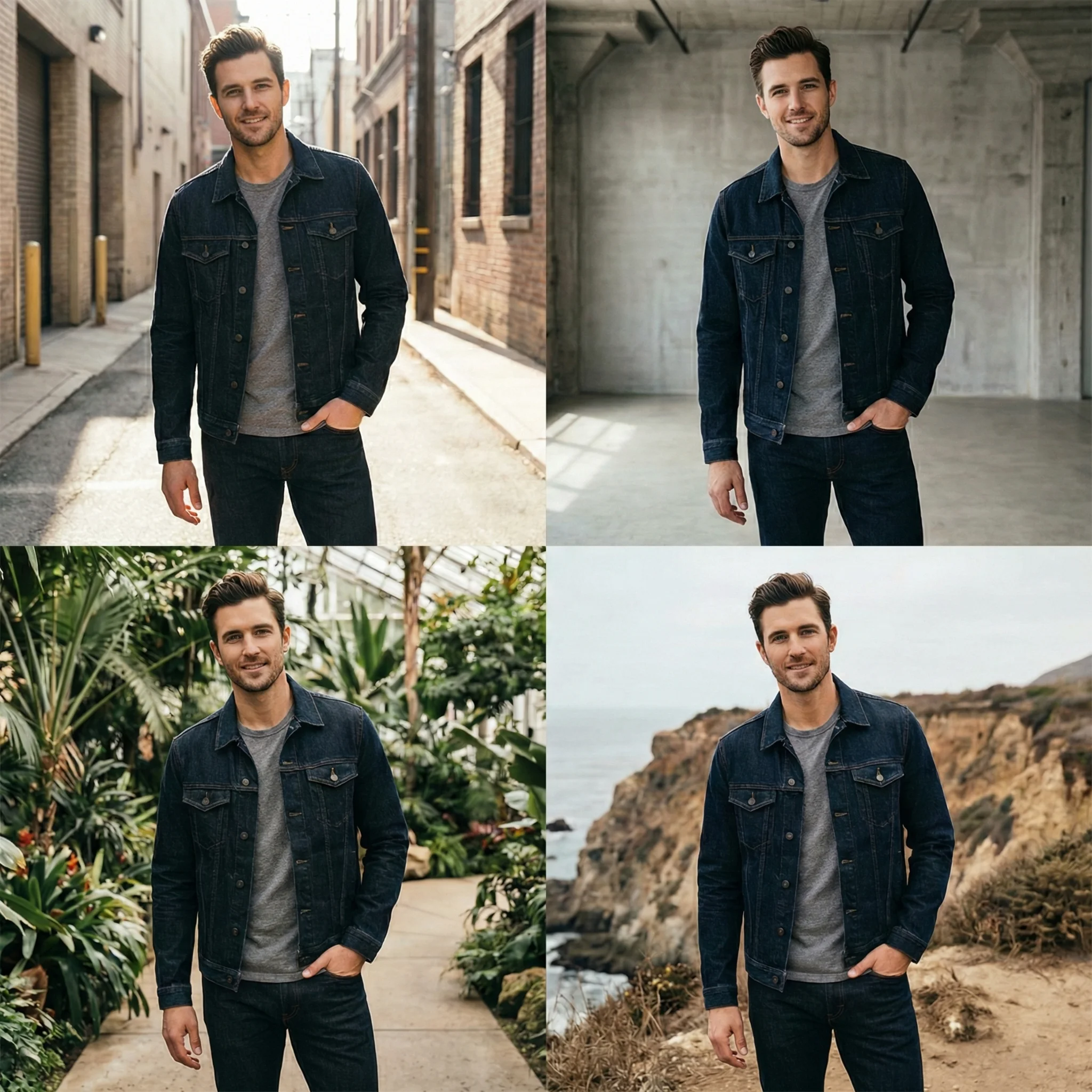
Variant complexity is one of the most underestimated conversion risks in Shopify fashion stores.
As SKU counts grow, colorways expand, and fabric variations increase, image galleries become harder to control. What begins as a clean PDP often turns into a mixed gallery of unrelated angles, duplicate frames, and visual noise.
At small scale, this feels manageable.
At catalog scale, it damages clarity, slows decision-making, and increases return risk.
Managing variant image logic is not a design task. It is catalog infrastructure.
How Shopify Handles Variant Images by Default
Shopify’s native structure attaches images to products first, then optionally associates images with specific variants.
However:
- All product images typically load into a single gallery.
- Variant switching may filter or jump to a mapped image.
- Many themes reset gallery position when a variant is selected.
- Some themes mix all variant images into one continuous carousel.
Without strict mapping discipline, the result is:
- Red dress images appearing while black is selected.
- Fabric detail shots from one color shown under another.
- Gallery order breaking when switching variants.
For fashion, where color and texture are primary decision drivers, this creates immediate confusion.
Why Variant Image Logic Directly Impacts Conversion
1. Color Confidence Drives Purchase
If a shopper selects a navy variant but sees burgundy images next in the gallery, confidence drops.
The brain expects visual continuity.
Any mismatch introduces doubt about:
- Actual shade
- Fabric consistency
- Production quality control
Variant friction reduces Add to Cart rate and increases comparison browsing.
2. Visual Stability Influences Trust
When switching variants causes:
- Gallery jump to top
- Scroll reset
- Image flicker
- Layout shift
The experience feels unstable.
Visual instability increases cognitive load.
In high-SKU catalogs, this becomes systemic.
3. Misaligned Detail Shots Increase Returns
If close-up texture shots are not variant-specific, shoppers assume consistency across colors.
In many fashion categories, dye treatments alter:
- Fabric sheen
- Texture appearance
- Thickness perception
If the black variant appears heavier than the beige variant but uses the same detail image, expectation mismatch increases return probability.
The Three Core Variant Image Structures
At scale, Shopify stores typically fall into one of these structures.
Structure 1: Mixed Gallery
All variant images are uploaded and displayed together.
Issues:
- Visual overload
- Duplicate angles across colors
- Reduced clarity
- Longer swipe depth before clarity
This structure rarely performs well beyond two colorways.
Structure 2: Soft Mapping
Each variant has a primary image mapped, but the rest of the gallery remains shared.
This improves first-frame accuracy but still introduces mid-gallery confusion.
Suitable for:
- Products where fabric is identical across variants
- Minor shade differences
Not suitable for:
- Multi-fabric SKUs
- Patterned or printed variants
Structure 3: Strict Variant Segmentation
Each variant has its own complete image set.
When a shopper selects a color:
- The gallery updates fully.
- Only relevant images display.
- Detail shots match the selected variant.
This structure provides maximum clarity.
It also requires disciplined media management.
At scale, this is the only sustainable system for high-variant fashion brands.
Operational Framework for Managing Variant Images
1. Standardize Image Naming Before Upload
Do not rely on Shopify’s default ordering.
Use structured naming such as:
productname-color-angle-detail.jpg
This enables:
- Bulk filtering
- Easier mapping
- Cleaner future audits
Without naming discipline, variant mapping becomes manual and error-prone.
2. Map Images Explicitly to Variants
Inside Shopify Admin:
- Assign each image to the correct variant.
- Avoid leaving images unassigned when using strict segmentation.
- Ensure the first mapped image is the true hero for that color.
Do not assume Shopify will interpret visual grouping automatically.
3. Control Gallery Reset Behavior
Many Shopify themes reload the gallery when a variant is selected.
Audit:
- Does the gallery jump to image one?
- Does scroll position reset?
- Does the user lose their place?
If so, consider:
- Theme settings adjustments
- Minor theme code refinements
- Preventing unnecessary reinitialization of the gallery component
Variant switching should feel seamless.
4. Separate Collection Thumbnail Logic
Collection pages often use a single featured image.
If your featured image represents only one variant:
- Multi-color products may receive lower CTR.
- Shoppers may not realize additional options exist.
Options:
- Use neutral colorways as collection thumbnails.
- Rotate featured images based on inventory priority.
- Use hover-to-change functionality if supported by the theme.
Collection representation should signal variant depth clearly.
Scaling Variant Logic Across Large Catalogs
As SKU count grows, manual control becomes unsustainable.
Implement:
- Image mapping SOPs for every new product launch.
- Checklist validation before publishing.
- Quarterly audits of high-return SKUs for variant misalignment.
- Bulk export review of product media assignments.
Tie audits to:
- Return reason data
- Variant-level sales performance
- Conversion discrepancies between colorways
If one variant underperforms consistently, review its image clarity first.
Metrics to Monitor
To evaluate variant image logic effectiveness, track:
- Variant selection rate
- Variant-to-Add-to-Cart rate
- Gallery progression after variant switch
- Return rate by color
- Conversion rate by variant
Segment by device.
Mobile users are more sensitive to visual inconsistency and reset behavior.
When to Simplify Instead of Expand
Not every product needs 12 images per variant.
If:
- Fabric is identical
- Only minor shade differences exist
- Detail does not change
Over-segmentation increases load time and operational complexity.
Balance clarity with efficiency.
Depth must serve decision-making, not inflate volume.
Variant Image Logic Is Revenue Control
In fashion ecommerce, variants are not secondary options. They are often the primary decision driver.
When variant image logic is inconsistent:
- Shoppers hesitate.
- Color confidence drops.
- Return risk increases.
- AOV declines due to single-variant purchases.
When variant logic is structured:
- Color exploration feels safe.
- Multi-variant purchases increase.
- Conversion stabilizes across SKUs.
- Operational audits become predictable.
Final Takeaway
As your Shopify catalog grows, variant image management becomes infrastructure, not aesthetics.
If images are loosely mapped, galleries mixed, and switching unstable, conversion loss compounds across every product page.
Build a strict, repeatable variant image system early.
At scale, clarity in variant presentation is one of the strongest levers you control for conversion stability, return reduction, and operational efficiency.
Transform your fashion photography!!
Start Creating with AIRead Next
How Image Quality Affects Brand Perception Before Any Purchase Happens
Long before a shopper compares prices, reads reviews, or evaluates product details, they form an opi...
What AI Product Photography Actually Solves for Fashion Ecommerce
AI product photography is often discussed in extremes. It is either framed as a full replacement for...
The Order of Images That Maximizes Conversion on Fashion Product Pages
For fashion ecommerce, conversion does not depend on how many product images you show or how visuall...